On this page
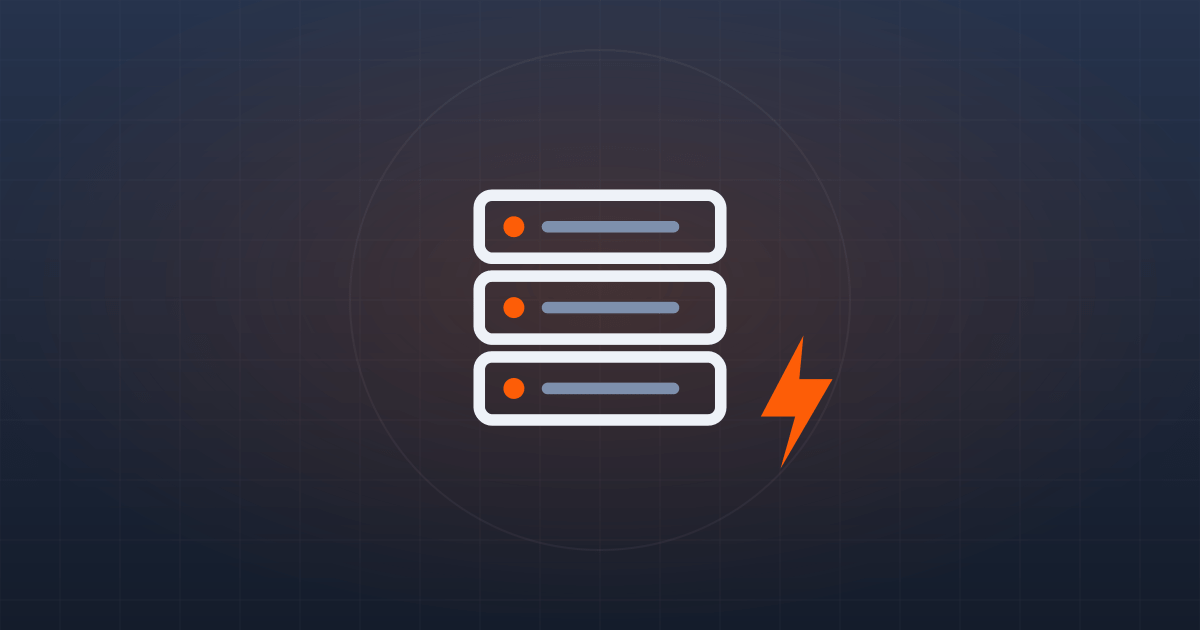
If you run a business in South Africa, it is a fair question: when the power goes out, does your website go down with it? The short answer is no, not if your site is hosted properly. Your website does not run from the computer in your office or the router at reception. It lives on a server inside a data centre that is purpose-built to stay powered through exactly this kind of disruption.
That said, not all hosts are equal, and load shedding is precisely where the cheap ones get exposed. This guide explains what actually keeps your website online during power cuts, what load shedding really affects, why it matters for your rankings and sales, and the specific things to check before you trust a host with your uptime.
📋 Key Takeaways

Where your website actually lives
When someone visits your website, they are not connecting to your premises. They are connecting to a server in a data centre, often hundreds of kilometres from both you and them. That server is the thing that needs uninterrupted power, not your building. So when Stage 4 hits your suburb and the office lights go off, your website keeps serving visitors for as long as the data centre stays powered.
This is why two businesses on different hosts can have completely different experiences of the same power cut. One owner watches their site sail through load shedding without a hiccup, while another, on a bargain host with weak backup power, finds their site dropping offline. The difference is entirely in the infrastructure behind the hosting, not in luck.
ℹ️ Important: Your uptime depends on your hosting provider’s infrastructure, not your local power grid. That single fact turns load shedding from an office problem into a hosting decision.
How South African data centres beat load shedding
Serious hosting providers never rely on municipal power alone. They run layered backup so that a single outage never reaches your server. The moment one layer drops, the next takes over automatically, usually without so much as a flicker reaching your website.
The typical setup looks like the chain below, where each layer buys time for the next to engage:
The combined result is that well-run South African facilities report close to 100% power availability even through the worst stages of load shedding. The grid failing simply triggers the next link in the chain, and your visitors never notice anything at all.
What is a Tier III data centre?
Data centres are graded in tiers according to how much redundancy they build in. A Tier III facility has multiple independent power and cooling paths and is engineered for around 99.98% uptime, which is the level you want behind a business website. When a host advertises Tier III, it is shorthand for serious, properly designed backup infrastructure rather than a single generator and crossed fingers.
So what does load shedding actually affect?
Mostly, it affects you, not your visitors. When your own area is dark you may not be able to reach your website, send email or update your store, simply because your office router and fibre line have no power. But anyone browsing from a powered suburb, another city or another country sees your site working perfectly throughout the outage.
In other words, load shedding rarely takes your website down for the world; it takes your connection to it down for a couple of hours. The fixes for your side are cheap and simple:
💡 Pro Tip: A small UPS for your router and laptop costs a few hundred rand and keeps you working through most load shedding slots, far cheaper than losing a morning of productivity every time the power drops.
Why uptime matters for SEO and sales
Uptime is not just a technical nicety. If Google’s crawler repeatedly hits your site while it is down, it can affect how your pages are indexed and ranked over time. Consistent availability is one of the quiet signals of a trustworthy site, and our guide on improving your SEO leans on exactly this kind of reliable foundation.
The sales impact is even more direct. Every minute your store is offline is a minute customers cannot buy, and many will simply go to a competitor rather than come back later. For a busy site, even a few hours of downtime a month adds up to real lost revenue, which is why uptime deserves a place on your list of business priorities.
Backups: your safety net beyond power
Power redundancy keeps your site online, but backups protect you from everything else: a botched update, a hacked plugin, or a mistaken edit. The two work together, one keeps the lights on, the other lets you rewind time if something goes wrong.
Look for automatic daily backups stored off-site, so that even a serious server problem cannot take your backups down with it. Being able to restore yesterday’s working version in minutes turns most disasters into minor inconveniences.
📘 Good to Know: Backups are only as good as your ability to restore them. A host that takes daily off-site backups and lets you restore with one click is worth far more than one that quietly backs up to the same server your site lives on.
Local versus overseas hosting
Some owners assume that hosting overseas sidesteps load shedding entirely. It is technically true, but it is the wrong trade-off for a South African audience. Overseas servers add latency, so your pages load noticeably slower for local visitors, and that hurts both the experience and your Google rankings.
A reputable local host with full backup power gives you the best of both worlds: fast local load times and uptime that is not tied to the Eskom grid. Local hosting also keeps your data in the country, which simplifies POPIA compliance. Our guide on how to choose a web hosting provider walks through this trade-off in more detail.
How to load-shedding-proof your website
Before you commit to a host, confirm the following. If a provider cannot answer these clearly and openly, treat the silence as your answer:
⚠️ Watch Out: The cheapest hosting deals are exactly where backup power gets trimmed to cut costs. If a host will not talk openly about their generators, fuel reserves and uptime guarantee, assume the worst and keep looking.
How we keep your site online
At Web Design Hosting SA your site is hosted on South African servers with full backup power, free SSL and automatic daily backups, supported by a local team you can reach . Even our free hosting plan runs on the same resilient local infrastructure, and paid hosting plans start at just R39 per month, so dependable uptime is not reserved for big budgets.
If you are currently on a host that buckles every time the power goes out, moving to us is painless, and our guide on migrating your website shows how we handle the switch with no downtime.
Frequently asked questions
Will my website go offline during load shedding?
Not if it is hosted with a provider that has proper backup power. Your site lives in a data centre with UPS and generator backup, so it stays online even when your own suburb has no power.
Why can I not reach my own site during load shedding?
Because your office internet connection is down, not your website. Visitors elsewhere can still see it normally. A UPS on your router, or switching to mobile data, restores your own access.
Does hosting overseas avoid load shedding issues?
It sidesteps the grid problem but adds latency that slows your site for South African visitors and can hurt local SEO. A good local host with backup power is the better all-round choice.
Want hosting that stays up when the lights go out? Explore our plans or email our team at info@webdesignhostingsa.co.za.
Web Design Hosting SA has hosted and built websites for South African businesses since 2009. Prices in our guides come from our live price list and are checked when a guide is updated. Spotted something out of date? Tell us.